Have a work from home office setup running in no time with these six simple tips and essential pieces of equipment. You’ll love working in your new space!
As a home decorator living in a relatively small space, I’ve spent many years working from home and experimenting with a variety of practical home office layouts. The good news: you don’t need a lot of space or expensive gear to create a functional, comfortable workspace. Below are six straightforward tips to help you set up a home office quickly and enjoyably.
Tips for a Home Office Setup You’ll Love
Practical, easy-to-apply ideas for productive remote work.
1. Choose a flat surface you love and use it as your desk
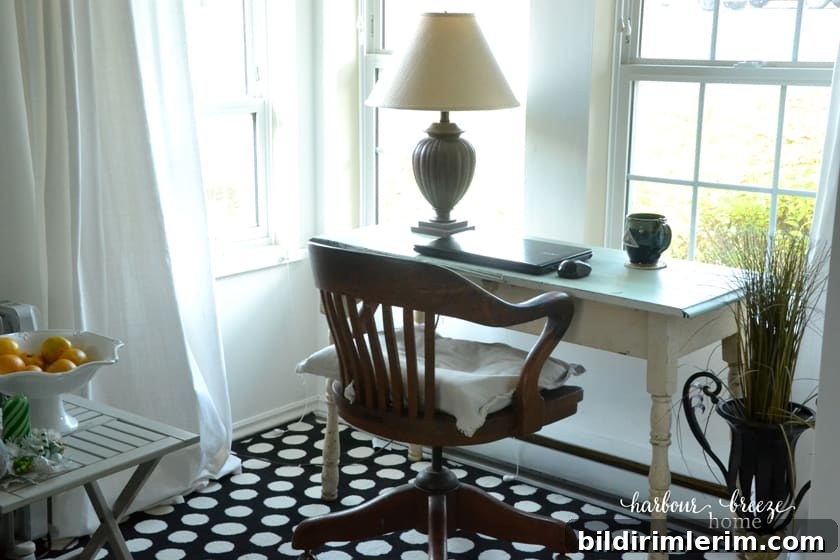
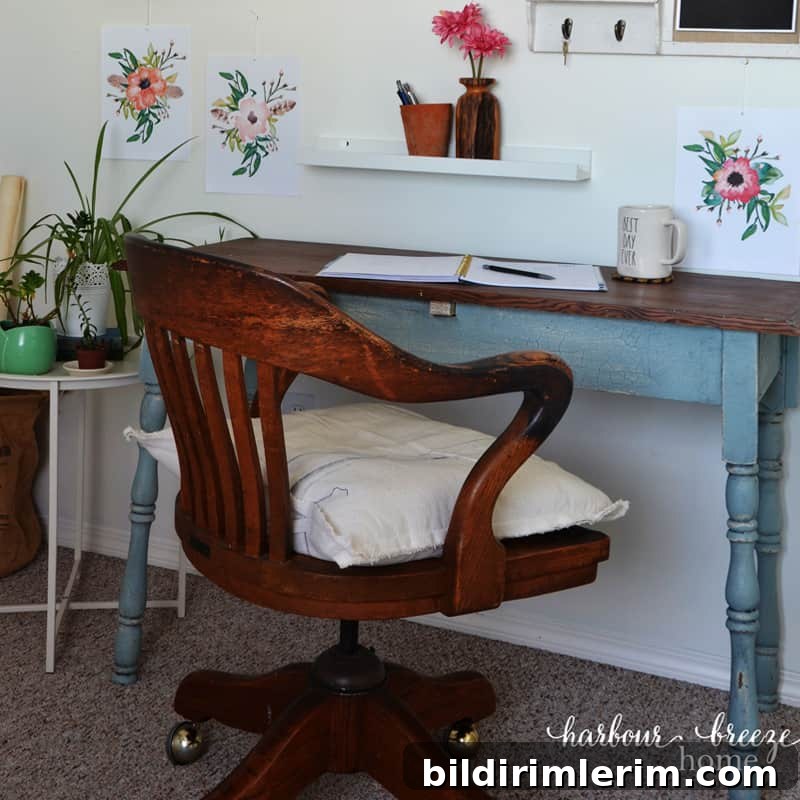
One common misconception is that you need to buy a brand-new desk to start working from home. That isn’t true. I often work from a rescued antique farm table I refinished — any sturdy, flat surface that fits your space will do. The key is choosing something that feels right for your room and daily routine.
2. Think of your back when choosing a chair
If you’ll be spending long stretches at your workspace, prioritize posture. A supportive seat will prevent back pain and make long sessions far more comfortable. For a long time I used a hard-backed dining chair with a lumbar cushion, which helped me sit upright and kept my feet flat on the floor. Later I upgraded to an ergonomic office chair, which offered noticeably better support. Even small adjustments, like using a footstool so your feet rest flat, can make a big difference.
3. Claim a space to be your office
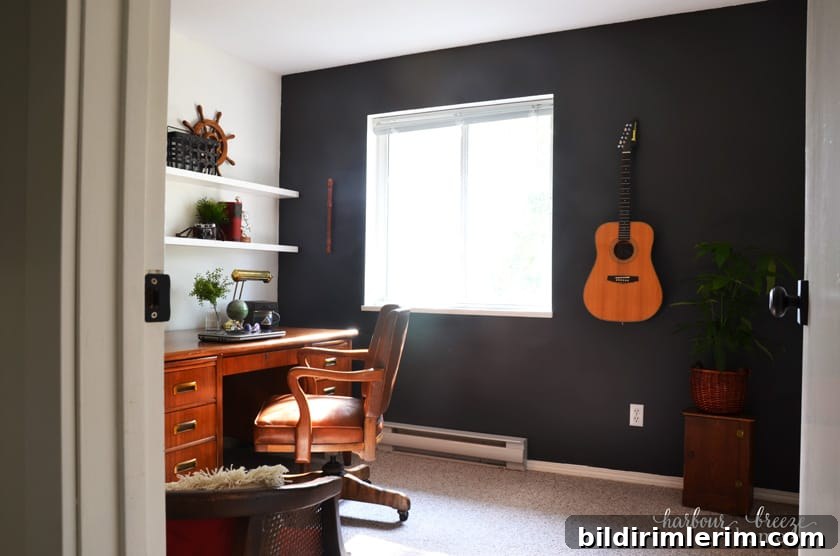
If possible, designate a specific area as your office. A separate room is ideal, but a corner of the living room, a dining table by the window, or a repurposed bedroom can all work wonderfully. When we were able to convert spare bedrooms, it made organizing and focusing much easier. Before that, my workspace sat in the main living area and still functioned well because I organized supplies and created systems to keep clutter under control.
4. Invest in key home office equipment
To work efficiently at home, keep a few reliable tools on hand. These basics support productivity and reduce friction:
- Reliable internet connection — consider a Wi‑Fi extender or better router if coverage is spotty.
- All‑in‑one printer, scanner, and copier for occasional hard-copy needs.
- A computer or laptop that meets your workflow requirements; laptops offer flexibility for moving around the house.
- A small secondary device such as a tablet or smartphone for quick checks, video calls, or reference tasks.
- An external hard drive or cloud backup solution to protect important files.
5. Plan ahead for remote meetings and video calls
Remote meetings are now a regular part of many workflows. A few simple practices make virtual communication smoother and more professional:
- Stabilize your device with a tripod, desk mount, or steady surface so the camera is steady and your hands are free.
- Set up your camera and remain relatively stationary; constant movement can be distracting for others.
- Face a natural light source, like a window. If you record or host calls in low light, a small ring light can be a worthwhile investment.
- Position the camera at eye level — looking up slightly toward the lens creates a flattering and engaging angle.
- Dress appropriately for the occasion and give a quick self-check before joining a live call.
6. Get organized with smart office storage
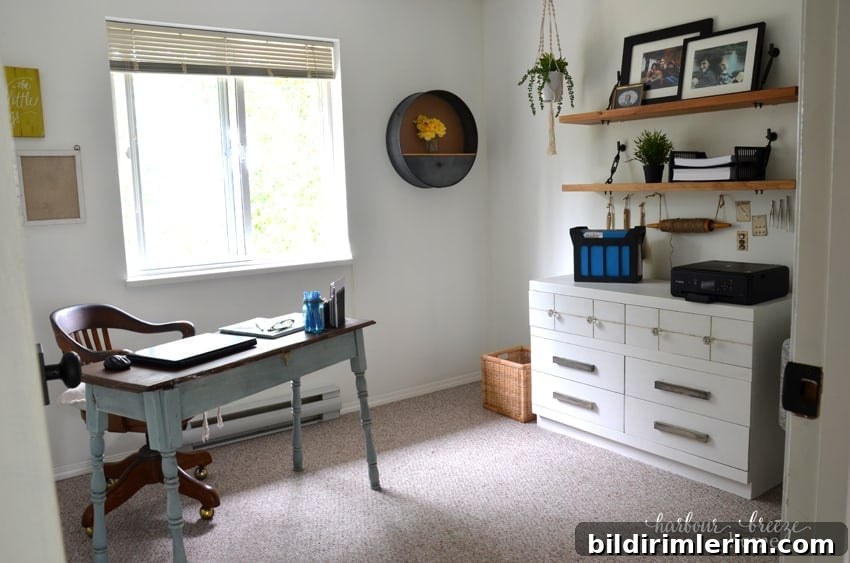
Organization systems differ by person, but a few useful storage pieces can help most people stay on top of tasks and reduce visual clutter:
- Stackable trays for printer paper, receipts, and small items.
- A desktop hanging file or compact filing system for contracts, invoices, and important paperwork.
- A pen and pencil holder, and a simple inbox for incoming documents.
- An envelope sorter or divided tray for sticky notes and notepads.
- A large wall calendar and a weekly/monthly planner to track deadlines and commitments.
- Regularly purge and file paper so paperwork doesn’t accumulate.
These practical solutions make daily routines faster and free up mental space for creative work.
Add accessories that reflect your personality
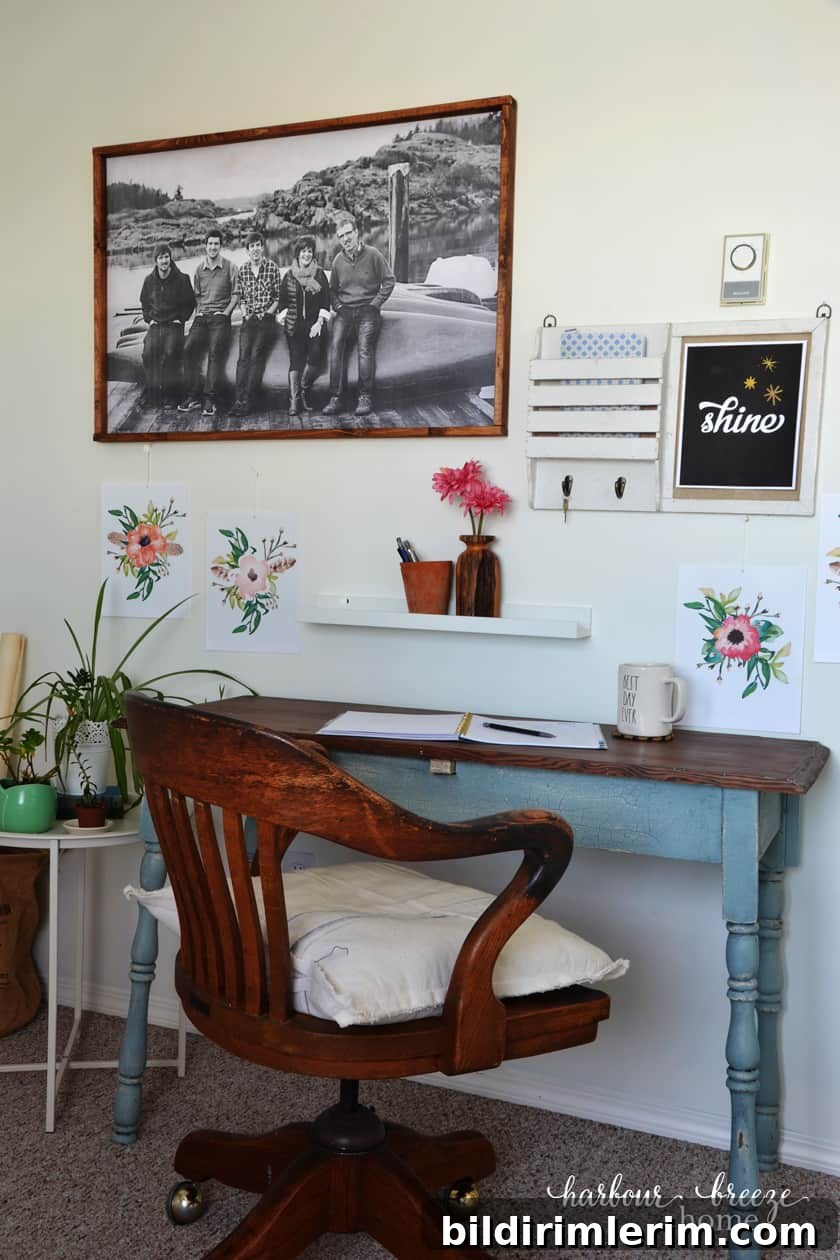
Personal touches make a workspace inviting. Add a small framed photo, a favorite quote, a plant, or a piece of decorative art that makes you smile. Choose lighting, paint colors, and accessories that support your mood and concentration. Even small items, like a tactile desk ornament, can make the space feel intentional and pleasant to use every day.
Creating a functional home office is about balance: find what supports your work (comfortable seating, reliable equipment, good lighting) and what inspires you (color, décor, meaningful objects). With a few intentional choices, you can set up a comfortable, efficient workspace in very little time.