In this article: Learn how to quickly and easily design your own Christmas cards using Basic Invite’s online tools.
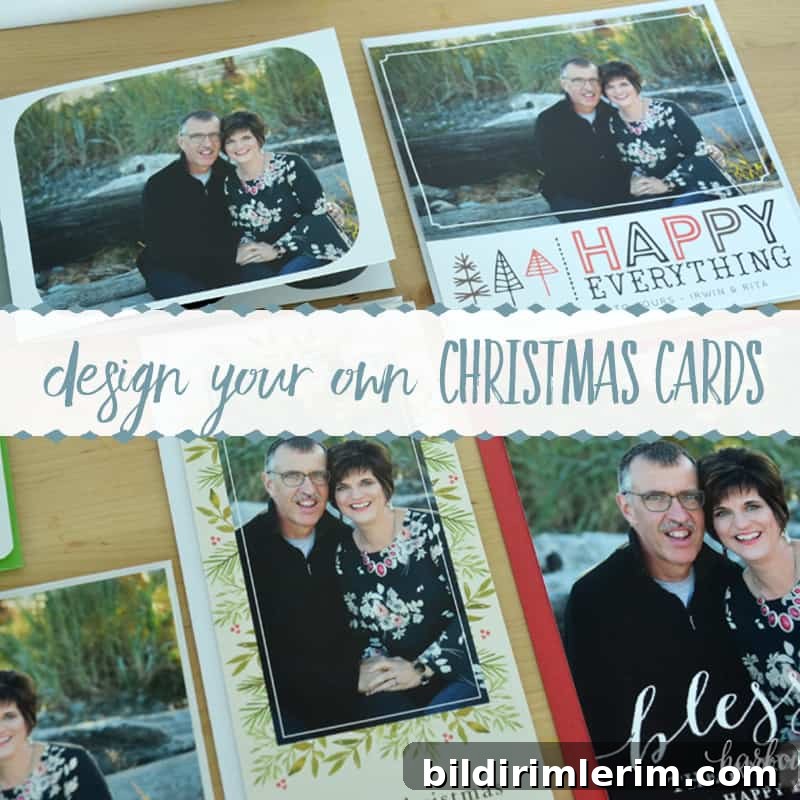
Last week I mentioned that we got professional pictures taken for a special upcoming project. Today’s post reveals that project, and I’m excited to share the results and walk you through the simple process I used to create our holiday cards.
One of my favorite parts of the season is receiving cards in the mail from friends and family. It’s a warm way to catch up and celebrate the year together.
Last year we moved twice, and between all the packing and change, our Christmas cards never made it out the door. This year I planned ahead and wanted to ensure our cards arrived on time — so I tried designing my own online for the first time using Basic Invite, and I loved the experience.
Disclosure: This post was sponsored by Basic Invite. All opinions are honest and my own.
How to design your own Christmas cards with Basic Invite:
Step 1 — Choose a holiday card template
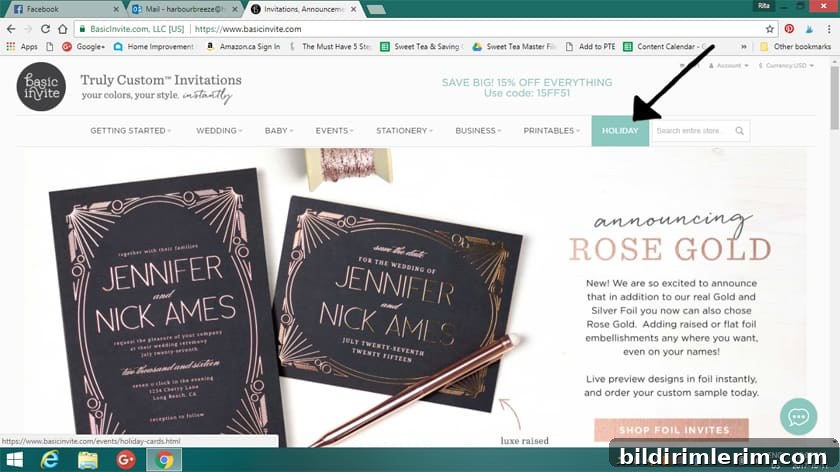
Start by browsing the Holiday or Christmas card section. Basic Invite offers hundreds of designs, so the biggest challenge is choosing the one you like best. Pick a design that fits your family’s style and the photo layout you prefer.
Step 2 — Add and edit your photos
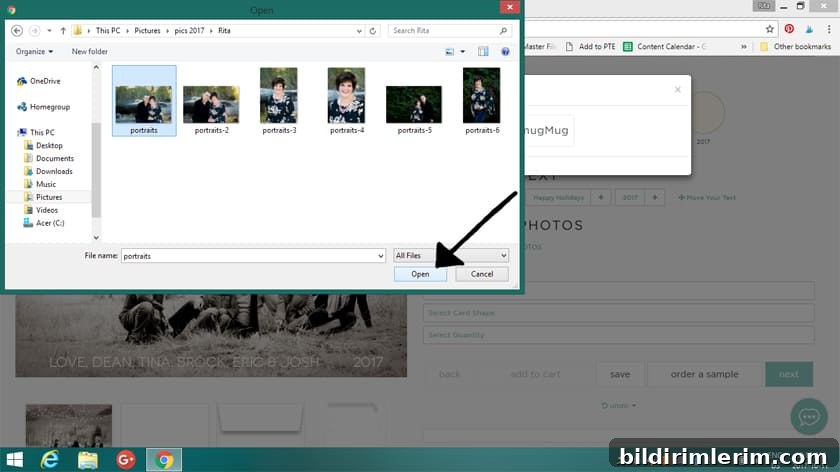
Open the template and use the “Edit Photos” option. Click “Show editable photos,” then hover over the photo area on the template until the photo becomes highlighted. Click “Click to edit photos,” then upload the photo file from your computer. Once uploaded, drag the image to position and scale it until it looks right, then click “Done.”
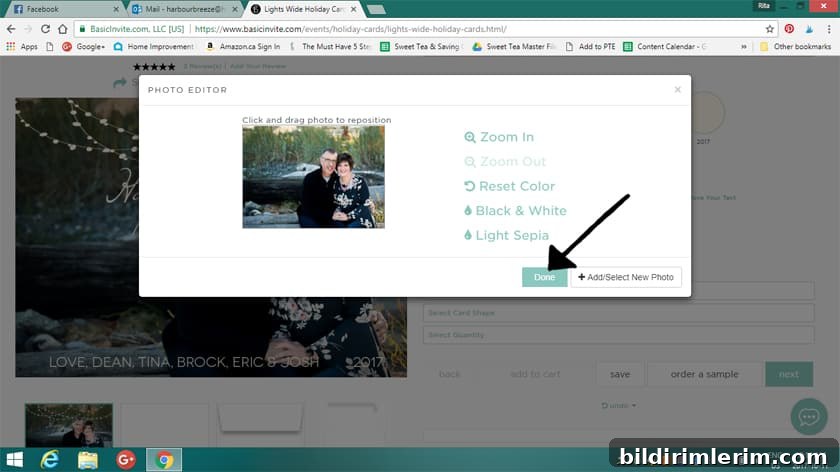
Step 3 — Customize text and layout
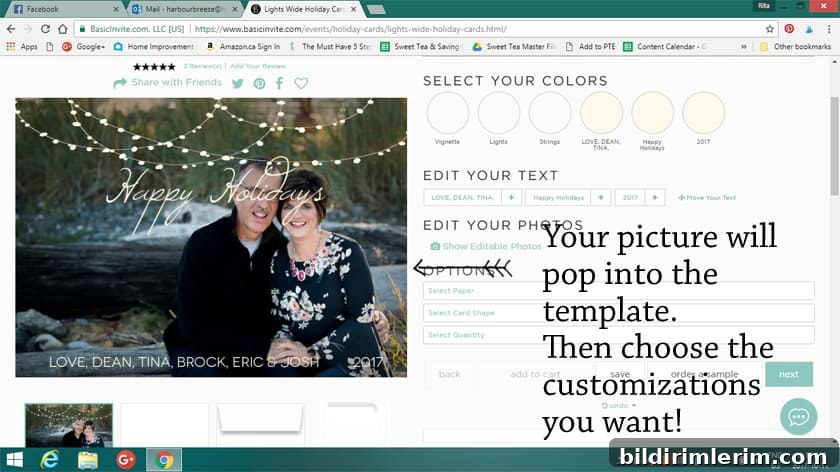
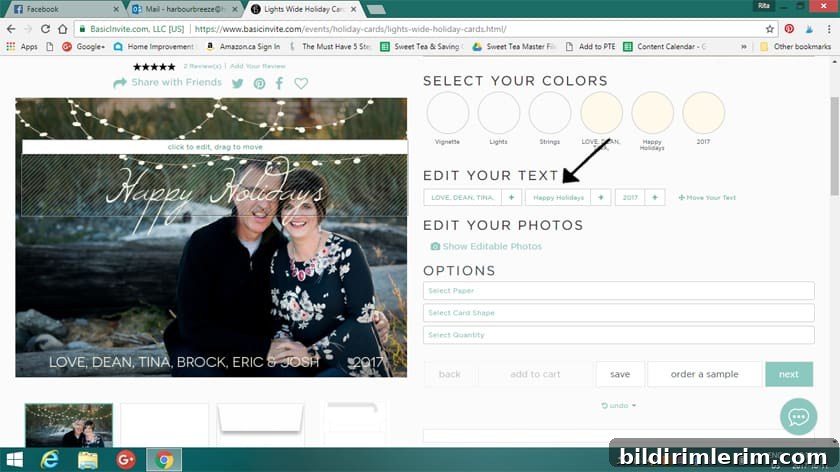
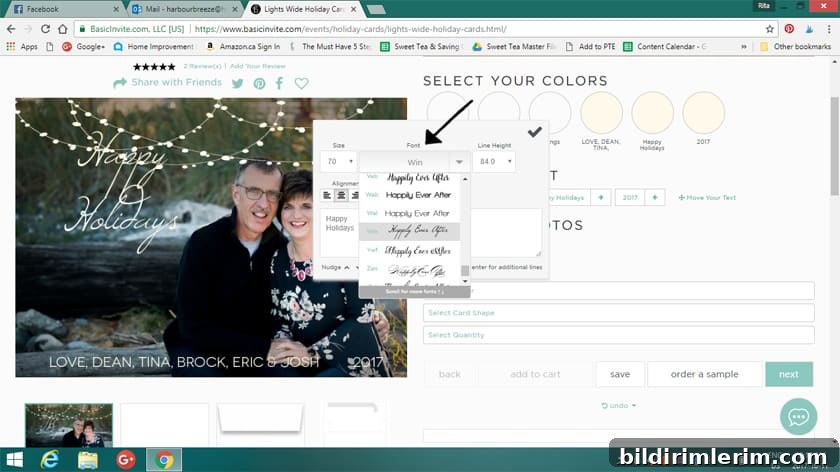
Text elements are easy to edit: click and drag to reposition lines, then type your greeting. You can change fonts, adjust size and line spacing, and choose alignment so everything looks balanced. Personalize the signature line to reflect your family’s names or message.
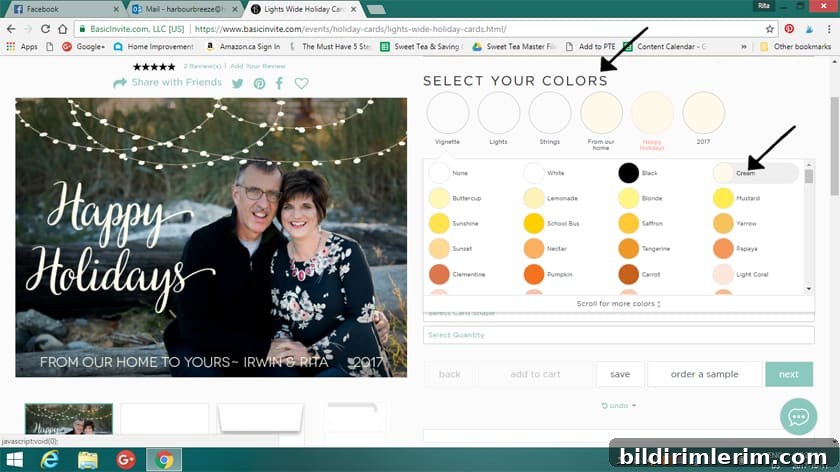
Colors are fully customizable. Click “Select the Colors” to explore over 180 color options for fonts, artwork, and lines. I tried cream for a classic look and a soft pink to coordinate with colors in our photo — both looked great.
Before placing a full order, I recommend ordering a sample pack. Basic Invite allows you to request samples in multiple sizes, paper stocks, and finishes so you can see the quality and color in person before committing.
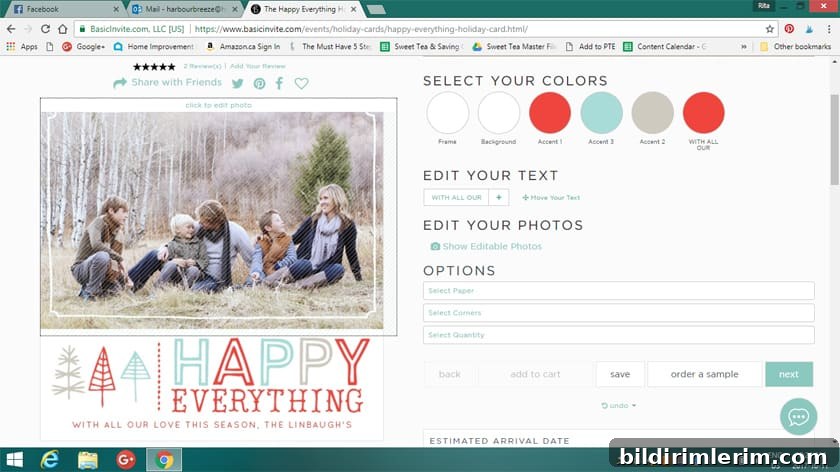
Template example
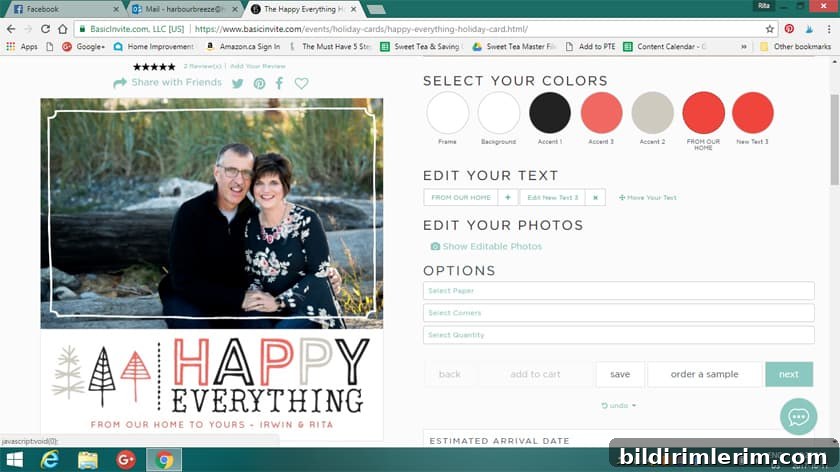
With personalization
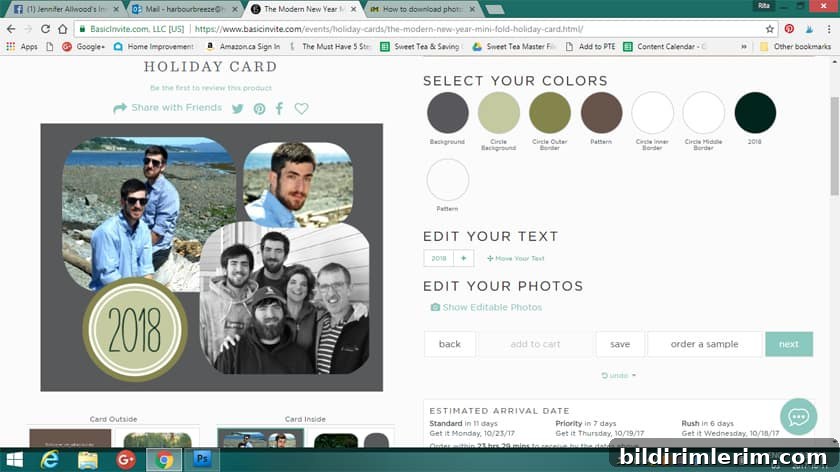
Multi-image layout
Basic Invite also offers a proofreading service where their team reviews your design for typos and layout issues. I didn’t use that service for my samples, and I noticed afterward that I had mistakenly used the wrong year on one card — something their proofreaders likely would have caught.
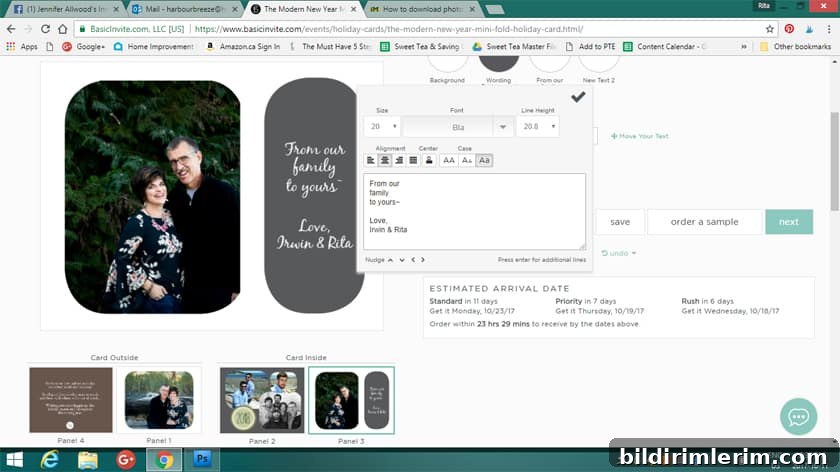
Another useful feature is the address capture option, which lets you collect recipients’ mailing addresses via a shared link. Friends and family can submit their address directly, and the information is stored in your account for printing or mailing — a huge time-saver when sending many cards.
Additional helpful details to know:
- Recipient address printing is available on all Christmas card orders at no extra cost.
- Over 40 envelope colors are offered to match or contrast with your card design.
- Foil card options are available in gold, silver, and rose gold, with choices for flat or raised foil finishes.
- In addition to Christmas cards, Basic Invite offers a wide selection of holiday party invitations and seasonal stationery options.
For a limited time, Basic Invite was offering 30% off with coupon code: holi30. Check the site’s current promotions when you design your cards.
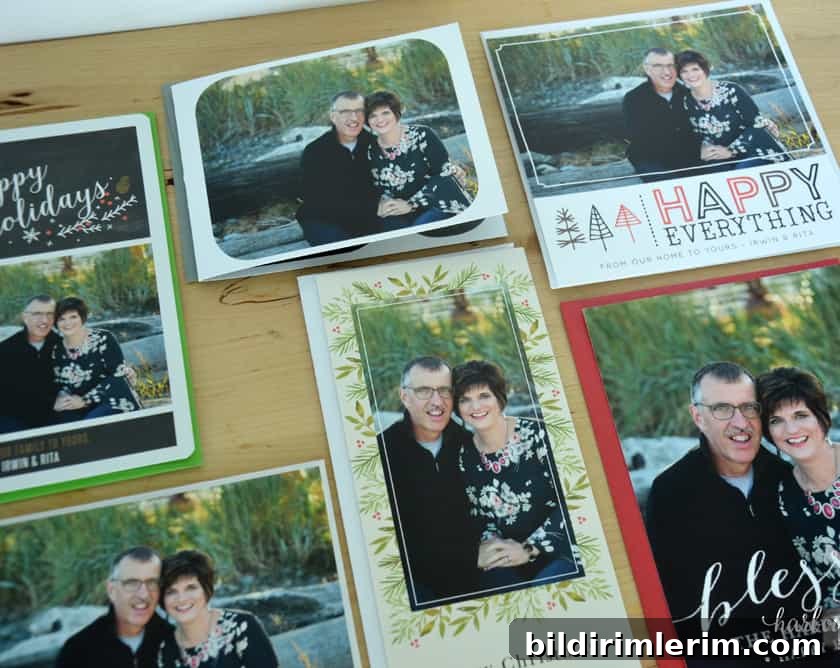
As someone who appreciates quality paper and thoughtful design, I was pleased when my sample pack arrived. The cards felt substantial, the printing was crisp, and the colored envelopes added a festive finishing touch. I also shared a live video showing the finished samples and envelope colors on my social media for friends who wanted a closer look.

Deciding which design to send was the hardest part — there are so many beautiful options. If you want a stress-free holiday card process this year, designing online with Basic Invite made it easy to create a polished, personalized card that we were proud to mail.